Auto Keyboard Clicker Free Download - Cok Auto Typer
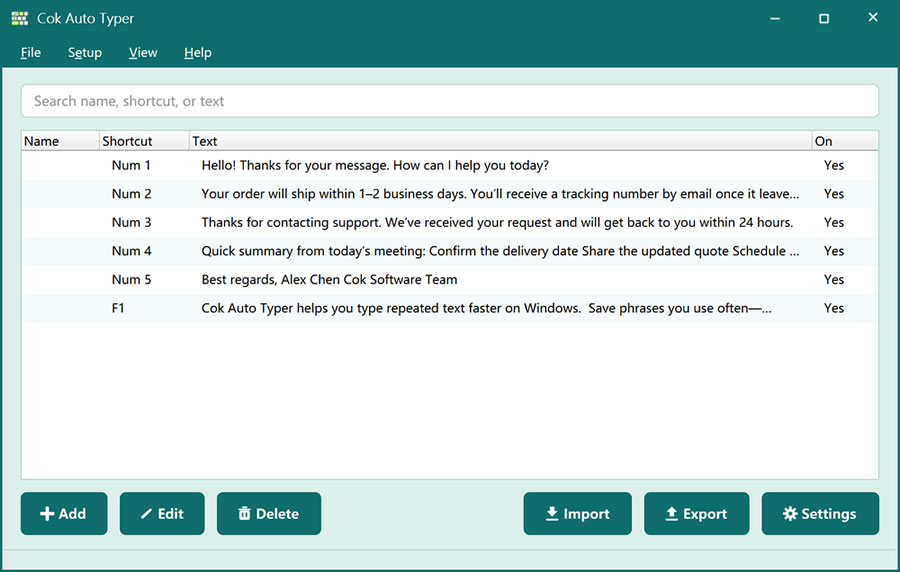
Searching for an auto keyboard clicker free download usually means you want the computer to type for you—not only click the mouse. Cok Auto Typer is that kind of tool: it auto-types characters into the focused input box after you save the text. Download the setup below, then use hotkeys or on-screen selection to reduce repetitive keyboard work.
Auto keyboard clicker vs mouse auto clicker
A mouse auto clicker repeats clicks. An auto keyboard clicker focuses on keys and text: it types passwords, replies, URLs, or form fields for you. Cok Auto Typer is the keyboard side of automation—ideal when the boring part is typing the same words, not clicking the same spot.
Free download and what you getUse the Free Download button for the Windows installer. After install, add the phrases you reuse. Each entry can have a hotkey so the software “clicks” through the keyboard sequence as simulated typing. You can also open the picker or floating window if you prefer choosing text with the mouse.
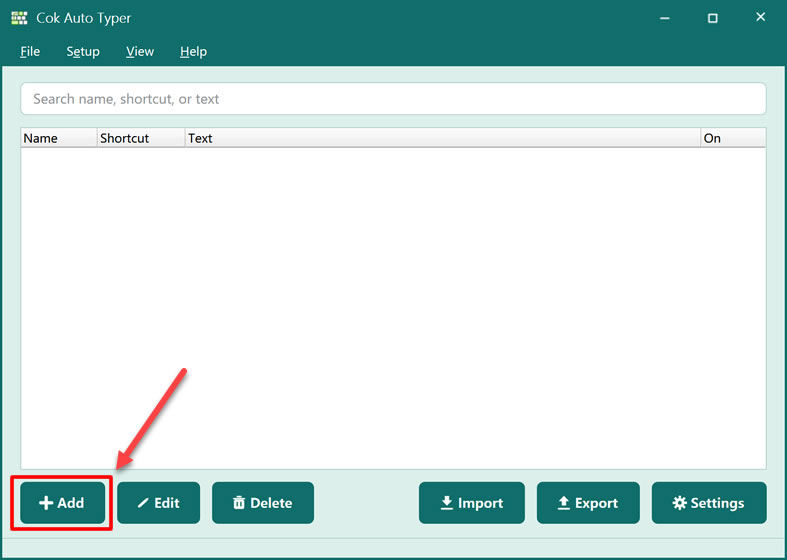
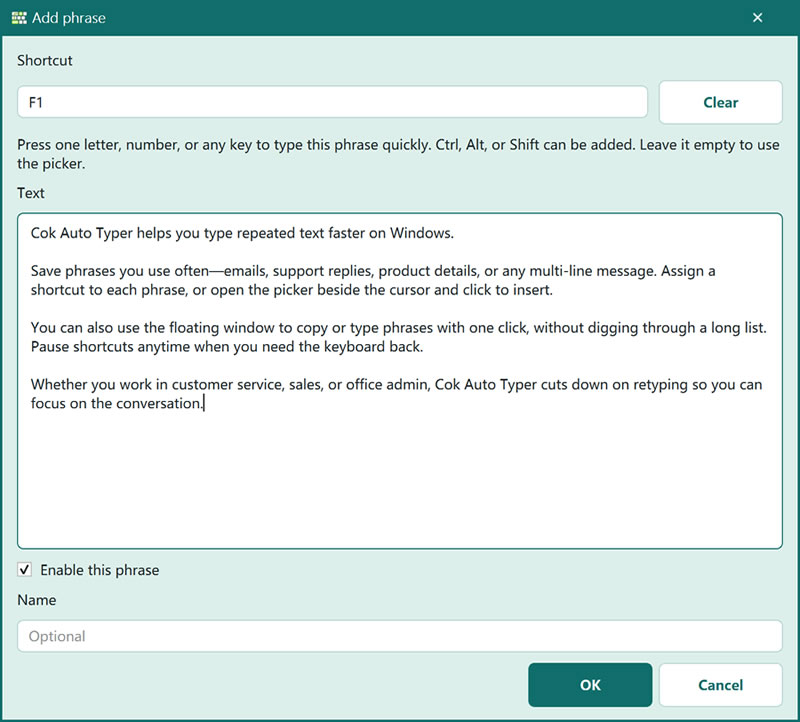
1. Online customer service — send the same answers without retyping; assign hotkeys or pick from the list.
2. Form and listing work — submit software name, version, homepage, and description to many sites with one key each.
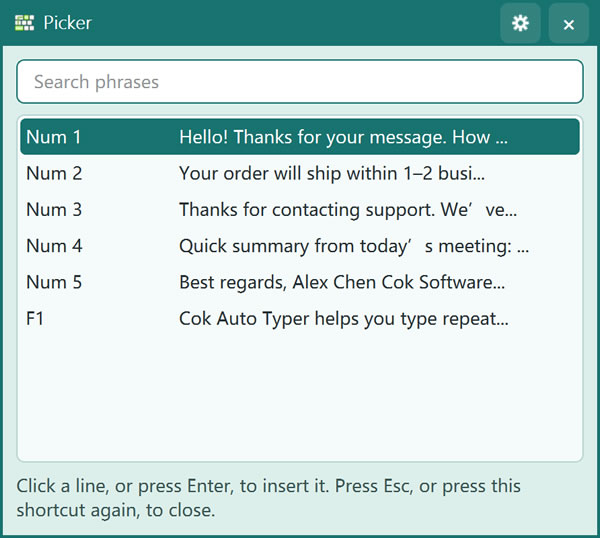
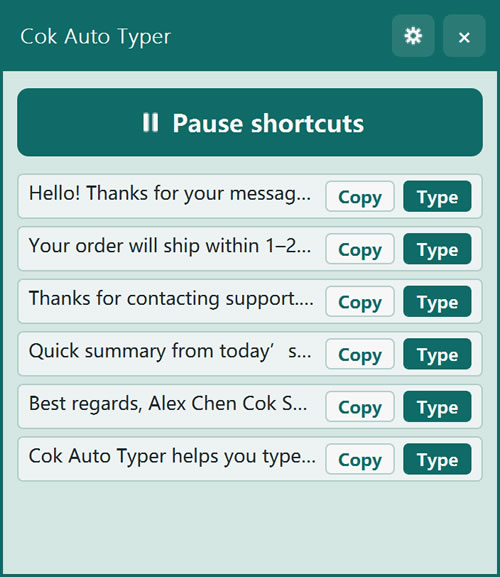
Hotkeys can be a single key or a combination. Default Ctrl+R opens the picker. Export/import moves your library to another PC. More detail: Cok Auto Typer. Related: multi clipboard software, fast auto typer, auto typer for Windows.