Best and Fast Auto Typer Software to Simulate Keyboard Input.
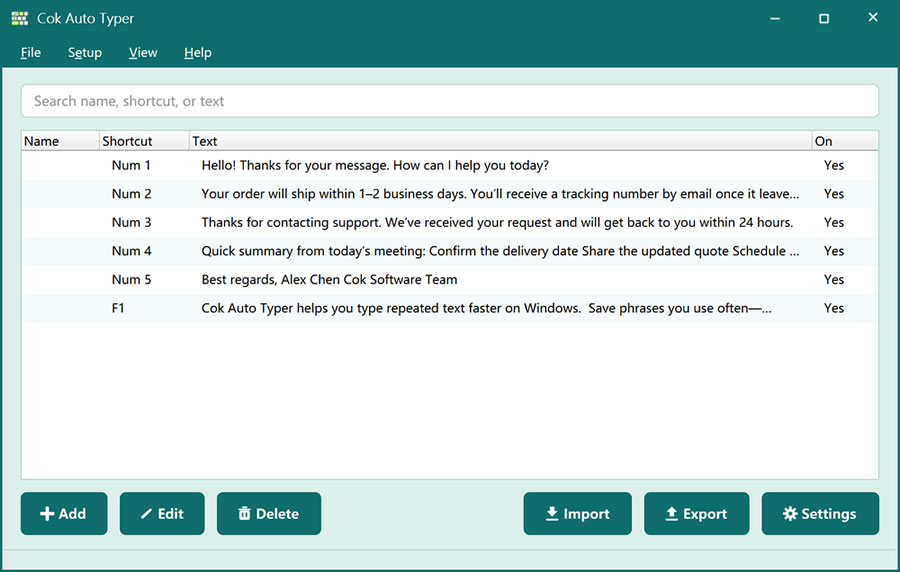
A fast auto typer should feel as quick as paste, but for many different snippets—not just one clipboard item. Cok Auto Typer is Windows software that simulates keyboard input: you save text once, then a hotkey (or a click in the picker / floating window) types the whole phrase or paragraph at the cursor with almost no delay.
What makes a fast auto typer different from normal typing
Normal typing enters one character per key. A fast auto typer simulates keyboard input for longer strings: one hotkey can insert a URL, a canned reply, a product description, or multi-line text. Cok Auto Typer is built for that speed—especially when you answer the same questions or fill the same fields many times a day.
Simulate keyboard input in any languageThis best-fit fast auto typer is not limited to English. Saved text can be Chinese, French, Arabic, Russian, or other languages. Whatever you store is what gets typed, so the same tool works for international support teams and multilingual forms.
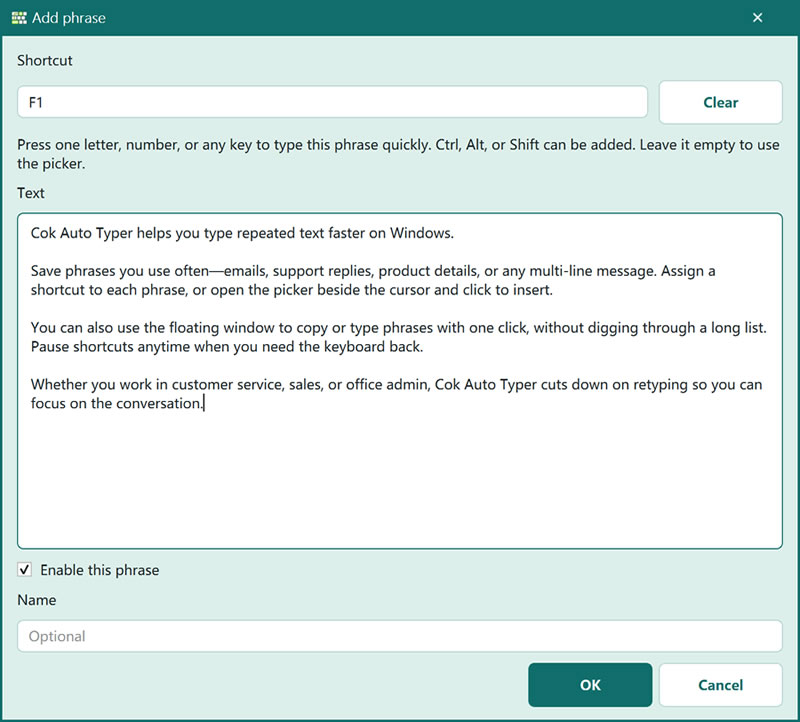
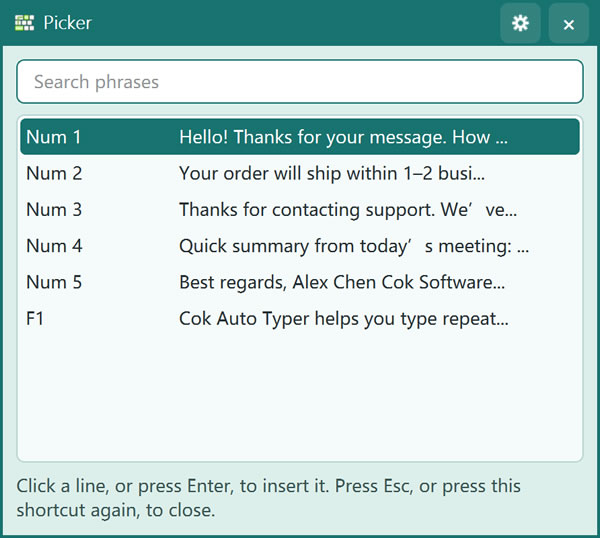
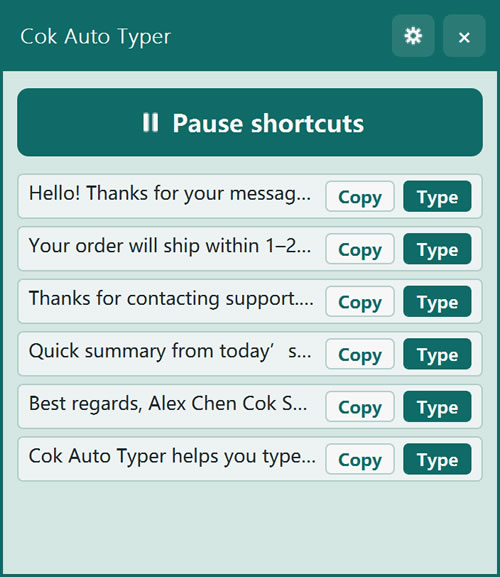
Speed matters when you have dozens of replies. Besides hotkeys (including a single letter, number, or numpad key), Cok Auto Typer offers a picker window and a floating window so you can select text visually when that is faster than remembering shortcuts.
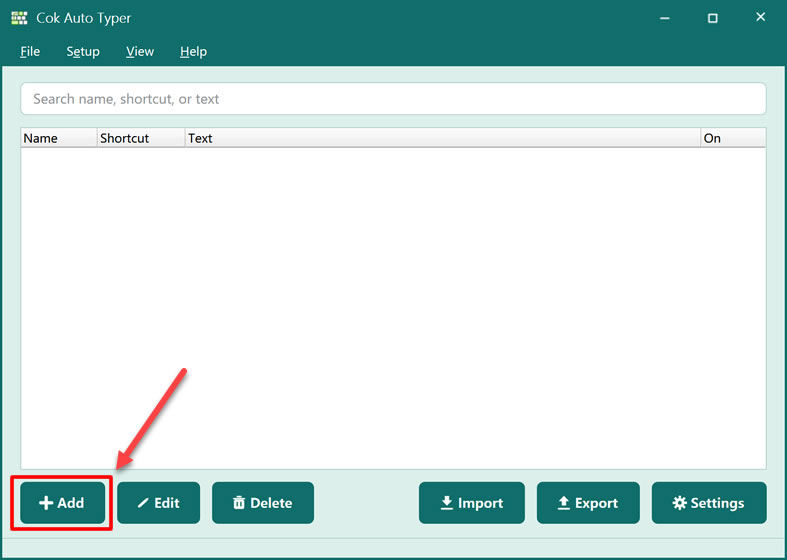
Publishing products to many download sites, answering FAQ in chat, or pasting the same company details into forms—these jobs reward a fast auto typer that simulates keyboard input reliably. Export and import keep your library when you change PCs. Product overview: Cok Auto Typer. Also see auto typer for Windows and multi clipboard software.