How to Record Skype Calls on PC - Cok Auto Recorder
We can used skype to take a skype-to-phone, skype-to skype call, now I will teach you how to record both sides audio in a skype call. It is very difficult and sometimes impossible to record skype calls on Android and iOS system, but we can record skype calls on PC (windows system) easily. After you install Cok Auto Recorder in your computer, it will record skype calls automatically. You can set it run in invisible mode, in this mode, it will record both sides audio in background.
 Video Guide
Record Skype Audio Calls on Windows
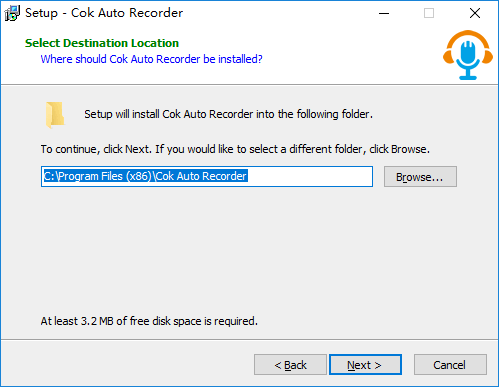
1, download and install Cok Auto Recorder on your computer.
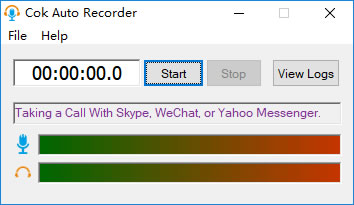
2, After the installation, this recording software will run automatically. Also, you can double click Cok Auto Recorder icon on your desktop to run it.
3, As usual, take(answer) a call or video call with your skype friend. Also, you can take a call to phone with Skype.

4, Cok Auto Recorder can detect the call event and start recording automatically.
Notice: If it can’t start recording automatically, please check the list of Frequently Asked Questions below.
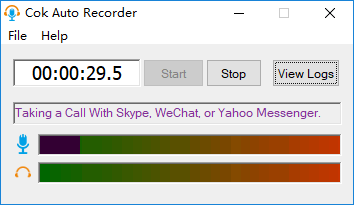
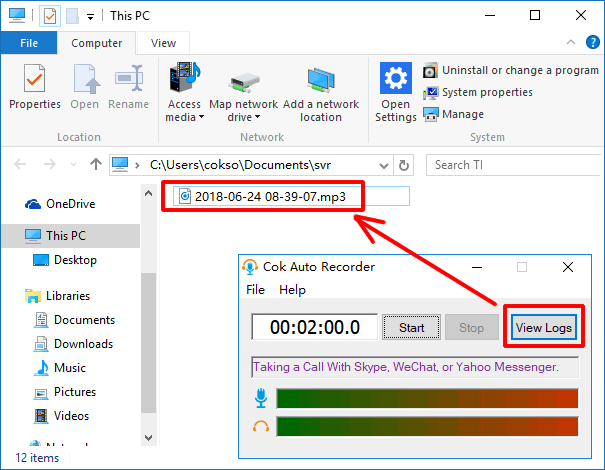
5, When you or other party hang up the call, it will stop recording automatically. You can find the recorded MP3 file by clicking “View Logs” button.
Skype Call Recording Software FAQ
Q: why Cok Auto Recorder can’t record Skype calls automatically?
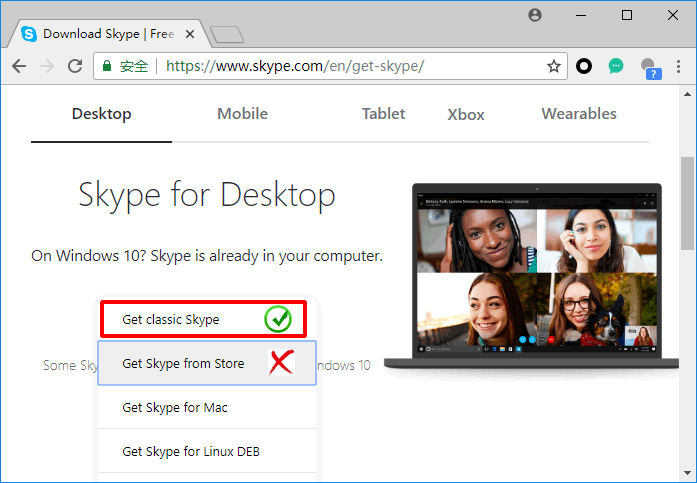
A: If your computer is Windows10, please don’t download Skype in Microsoft Store. Please download classic skype in website as the following picture. Cok Auto Recorder can’t start recording automatically if you used Skype which you download from Microsoft Store.
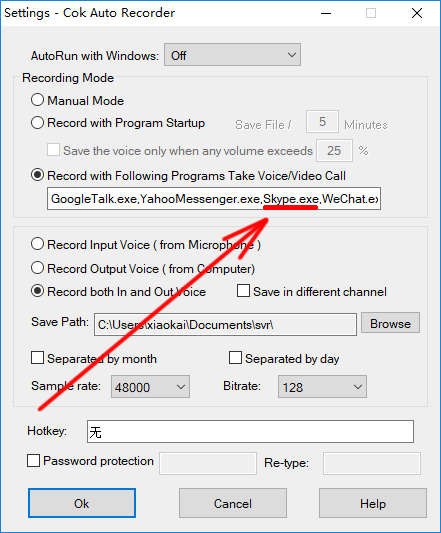
Besides, please click “File”, “Settings” menu. Make sure you have chosen “Record with Following Programs Take Voice/Video Call”. And the process name of Skype(skype.exe) is in the textbox as the following picture.